Home
Home
How to Master the Art of Digital Image Drawing and Photo Transformation
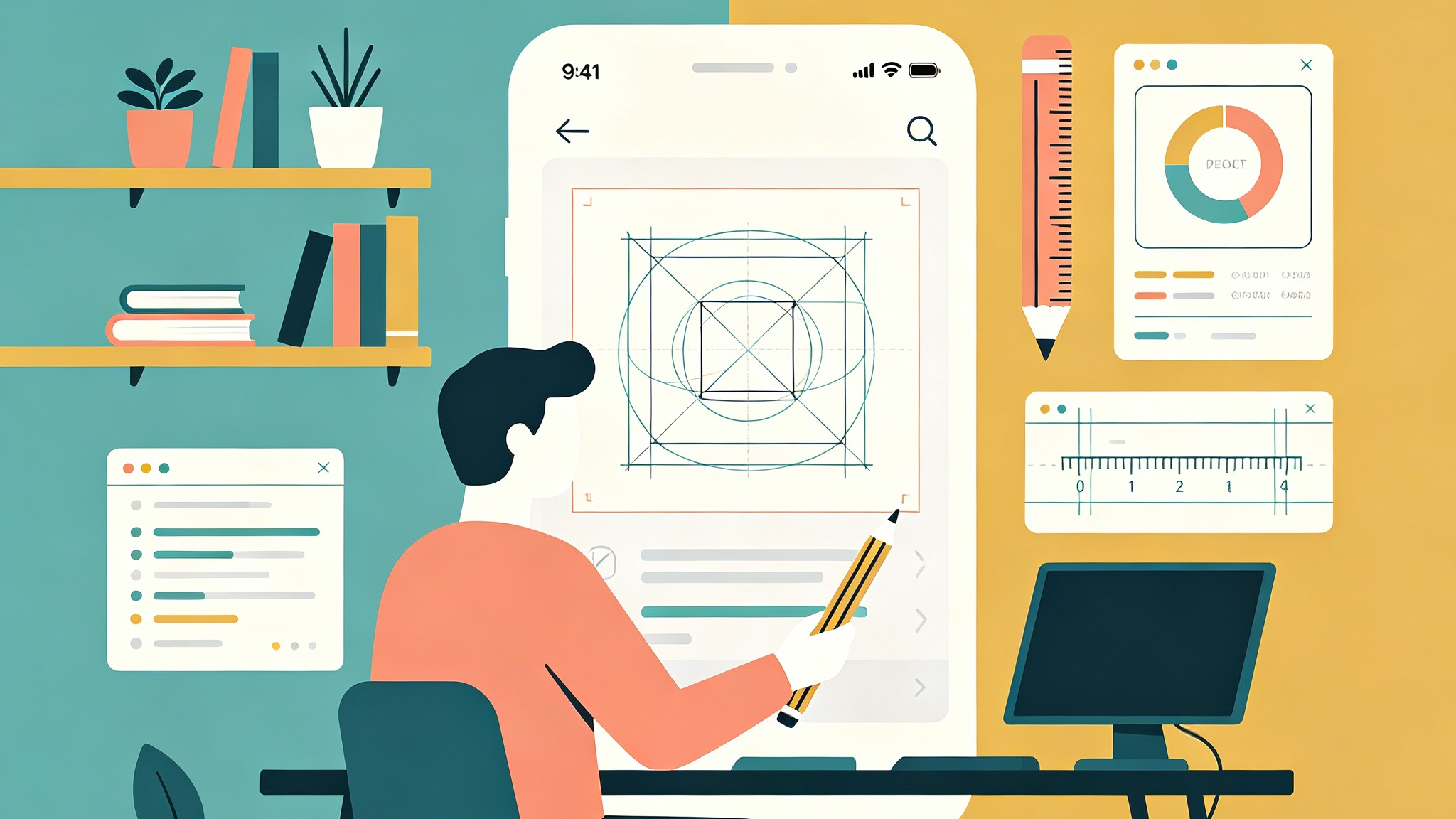
Image drawing represents the intersection of classical artistry and modern computational power. At its core, it refers to the process of creating a representative visual work—whether by manually sketching on a digital canvas, using algorithms to convert a photograph into a stylized drawing, or employing artificial intelligence to generate an image from descriptive text. In the current creative landscape, mastering image drawing requires understanding both the aesthetic principles of traditional art and the technical capabilities of professional software.
To achieve high-quality image drawing results, creators typically follow one of three paths: utilizing AI image generators with precise style prompting, applying advanced neural filters to existing photographs for a "hand-drawn" look, or mastering digital painting software that replicates physical mediums like charcoal, ink, and oil.
Understanding the Foundations of Digital Image Drawing
Before exploring specific tools, it is essential to define what makes a digital drawing successful. Unlike a standard photograph, a drawing relies on the abstraction of reality. It uses lines to define form, hatching to represent shadow, and simplified color palettes to convey mood.
When we talk about image drawing today, we are often referring to the simulation of texture. A pencil drawing is defined by the "tooth" of the paper and the graphite's varying opacity. A digital recreation must simulate these micro-interactions to appear authentic. In our testing of various digital brushes, the most realistic results come from those that respond to both pressure and tilt, allowing for the wide, soft strokes of a side-leaned pencil or the sharp precision of a fine-point nib.
The Role of Line Weight and Composition
The most common mistake in digital image drawing is uniform line thickness. In physical drawing, an artist naturally varies pressure based on the shadow and importance of an object. To create a professional digital drawing:
- Use thicker lines for the silhouette or areas in deep shadow.
- Use thinner, flickering lines for highlights or intricate internal details.
- Focus on "rhythm"—allowing lines to break and reappear to guide the viewer’s eye through the image.
How to Convert Photos into Realistic Drawings
One of the highest-demand skills in the digital age is the ability to transform a high-resolution photo into a drawing that looks genuinely handmade. This is no longer about simply applying a "sketch" filter; it involves a multi-step process of edge detection and texture overlay.
Step 1: Structural Edge Extraction
To begin a photo-to-drawing transformation, the first technical step is identifying the "meaningful" edges. Traditional filters often catch every pore and stray hair, creating a cluttered look. A professional approach involves using high-pass filters or specialized edge-detection algorithms to isolate the primary shapes. In our practical workflows, we found that reducing a photo to its grayscale values before processing allows for better control over the contrast levels that define the final sketch.
Step 2: Adding Hand-Drawn Imperfections
Computers are naturally too perfect. To make a digital image drawing feel "organic," one must introduce intentional imperfections. This includes:
- Line Overrun: Allowing lines to extend slightly past their intersections.
- Varying Opacity: Simulating the way a human hand loses pressure at the end of a stroke.
- Paper Texture: Overlapping the final drawing with a high-resolution scan of cold-press watercolor paper or coarse charcoal paper. This creates the illusion that the digital ink has been absorbed into a physical medium.
The Rise of AI in Image Drawing Generation
Artificial intelligence has fundamentally changed the "entry price" of creating high-quality drawings. By using models like DALL-E or Midjourney, users can generate complex imagery by simply describing the desired aesthetic. However, the difference between a generic AI image and a professional "image drawing" lies in the specificity of the prompt.
Essential Prompts for Artistic Styles
When requesting a drawing from an AI, generic terms like "a drawing of a cat" will yield inconsistent results. To master this, you must specify the medium and the technique. Based on extensive experimentation with image generation models, here are the most effective descriptors:
- Pencil/Graphite: Use keywords like "HB pencil sketch," "fine graphite lines," "paper grain texture," and "stippling."
- Ink/Pen: Terms such as "cross-hatching," "isographic pen art," "high contrast black and white ink," and "pointillism" produce the cleanest results.
- Charcoal: Specify "smudged charcoal texture," "heavy sfumato," and "high tonal range" for a dramatic, moody effect.
- Watercolor/Wash: Focus on "wet-on-wet technique," "pigment pooling," and "translucent color layers."
Managing Vibe and Composition via AI
The "vibe" of an image drawing is dictated by its lighting and atmospheric perspective. In AI-assisted drawing, including the term "low-key lighting" will emphasize shadows, which is ideal for charcoal styles. Conversely, "minimalist line art" will focus on the elegance of the stroke, removing unnecessary clutter.
Technical Implementation for Developers
For those approaching image drawing from a software engineering perspective, the task often involves rendering image objects within a graphical framework. In environments like WPF (Windows Presentation Foundation), the ImageDrawing class is used to display an ImageSource within a specified rectangle.
This is a powerful tool for building custom art software. By combining multiple ImageDrawing objects within a DrawingGroup, developers can layer different textures and sketches to create a composite visual. For instance, one might have a base layer for the paper texture, a middle layer for the charcoal strokes, and a top layer for fine-point highlights. The key to performance in these scenarios is the "freezing" of the drawing object, which optimizes the rendering pipeline for static images.
Advanced Techniques in Digital Painting Tools
For the professional artist, "image drawing" is a manual process performed in software like Procreate, Photoshop, or Clip Studio Paint. These tools offer a level of control that AI currently cannot match—specifically in the areas of intent and storytelling.
Working with Layers for Depth
A common workflow in professional digital drawing involves at least four distinct layers:
- The Construction Layer: Rough, light shapes that define the proportions.
- The Line Art Layer: The clean, final ink or pencil lines.
- The Value Layer: Grayscale shading that establishes the 3D form.
- The Finishing Layer: Adding highlights, "dust" particles, or chromatic aberration to give the image a cinematic feel.
The Importance of Brush Customization
A veteran digital artist rarely uses the default brushes. Customizing the "Pressure Curve" of a drawing tablet is crucial. If you have a heavy hand, you want the software to require more force to reach 100% opacity. This allows for a wider range of mid-tones, which is where the "soul" of an image drawing lives. In our experience, testing a new brush set for at least three hours on different subjects is necessary to understand how the jitter, flow, and scatter parameters interact.
Comparison of Image Drawing Methods
| Method | Best For | Learning Curve | Level of Control |
|---|---|---|---|
| Manual Digital Painting | Professional artists, character design | High | Absolute |
| AI Image Generation | Rapid prototyping, concept art | Low | Limited to Prompts |
| Photo-to-Sketch Filters | Social media, quick transformations | Very Low | Minimal |
| Algorithmic/Code-based | App development, generative art | Moderate (Technical) | High (Procedural) |
Why the Style of Drawing Matters
The style you choose for an image drawing communicates a specific message to the viewer. A "Realistic" style suggests professionalism and accuracy, often used in architectural renderings or medical illustrations. An "Artistic/Painterly" style evokes emotion and nostalgia, making it suitable for book covers or personal gifts.
Digital/Modern Styles
Modern digital drawing often leans into the "Cyberpunk" or "Flat Vector" aesthetics. These styles prioritize saturated colors and clean, geometric lines. When creating these, the "Image Drawing" process focuses less on the grain of a pencil and more on the precision of the Bezier curve. Vector-based drawing is particularly valuable because it allows the image to be scaled infinitely without losing quality, making it the industry standard for logo design and technical iconography.
Classic/Renaissance Styles
Recreating the look of a Renaissance sketch involves mastering the "Silverpoint" or "Sanguine" aesthetic. These drawings usually utilize a toned paper (tan or blue) with white chalk used for the highest lights. Replicating this digitally requires a deep understanding of how light interacts with physical surfaces.
Common Challenges in Image Drawing
The "Uncanny Valley" in AI Drawings
One of the most frequent issues in AI-generated drawings is the presence of logical inconsistencies—such as a character with six fingers or a shadow that goes the wrong way. To fix this, artists often use a "Hybrid Workflow": generating a base drawing with AI and then manually painting over the errors to ensure anatomical and physical correctness.
Over-Processing and Muddy Colors
In digital drawing, it is easy to over-blend. When every transition is perfectly smooth, the drawing loses its energy and starts to look "plastic." To avoid this, keep your brush strokes visible. In our workshops, we always advise students to "leave the marks of the struggle"—those quick, decisive lines that show the artist’s confidence.
What is the best software for image drawing?
The "best" software depends on your hardware and goals. For iPad users, Procreate is the gold standard due to its intuitive interface and world-class brush engine. For professional illustrators who need advanced CMYK support and extensive layer management, Adobe Photoshop remains the industry leader. For those on a budget, Krita offers professional-grade features for free, particularly for those interested in concept art and animation.
How to convert a JPG to a line drawing for free?
If you want to convert a standard image into a line drawing without professional software, online tools like Pixlr or Fotor offer specific "Sketch" or "Line Art" effects. These tools use neural networks to identify high-contrast areas and convert them into black-and-white strokes. While they lack the nuance of a hand-drawn piece, they are excellent for creating coloring pages or simple social media graphics.
Can AI completely replace human drawing?
While AI can generate stunning image drawings in seconds, it lacks "intentionality." A human artist chooses to emphasize a specific detail because of its narrative importance—perhaps the glimmer in an eye or the tension in a hand. AI operates on patterns and probabilities. Therefore, the future of image drawing is collaborative: AI handles the labor-intensive shading and texture generation, while the human artist provides the creative direction, emotional weight, and final corrections.
Summary
Mastering image drawing in the modern era is about versatility. Whether you are using a stylus to mimic the friction of graphite on paper, or crafting the perfect prompt to evoke a 19th-century watercolor, the goal remains the same: to create a compelling visual narrative. By understanding the technical foundations of edge detection, line weight, and AI prompt engineering, anyone can transform a simple concept or photograph into a sophisticated piece of art.
FAQ
What is the difference between an image and a drawing? An image is a general term for any visual representation, including photographs. A drawing is a specific type of image created using lines and shading, traditionally involving manual tools like pencils, pens, or brushes.
Is drawing over a photo considered "cheating"? In the professional world, this is often called "rotoscoping" or "paintover." It is a legitimate technique used in the film and gaming industries to ensure realistic proportions and lighting, provided the artist adds significant creative value beyond the original photo.
How do I make my digital drawings look less "digital"? The key is to avoid perfect gradients and perfectly straight lines. Use brushes with built-in "jitter," add a subtle layer of noise or paper texture, and avoid using pure black for shadows—instead, use a very dark version of the surrounding color.
Can I use AI-generated drawings commercially? This depends on the terms of service of the AI platform used. Most paid subscriptions (like Midjourney or DALL-E) grant commercial usage rights, but copyright laws regarding AI-generated content are still evolving in many jurisdictions.
What resolution should I use for digital drawing? For work intended for print, a minimum of 300 DPI (dots per inch) is required. For a standard A4 size drawing, this translates to roughly 2480 x 3508 pixels. Always start with a higher resolution than you think you need, as downscaling is easy, but upscaling leads to pixelation.
-
Topic: Procedura: Disegnare un'immagine usando ImageDrawing - WPF | Microsoft Learnhttps://learn.microsoft.com/it-ch/dotnet/desktop/wpf/graphics-multimedia/how-to-draw-an-image-using-imagedrawing
-
Topic: Draw on Image | Online Photo Drawing Editor - Fotorhttps://www.fotor.com/features/draw-on-image/#:~:text=Use
-
Topic: Draw On Images With Pixlr’s Free Online Draw Tool - Free & Onlinehttps://pixlr.com/tools/draw-tool/